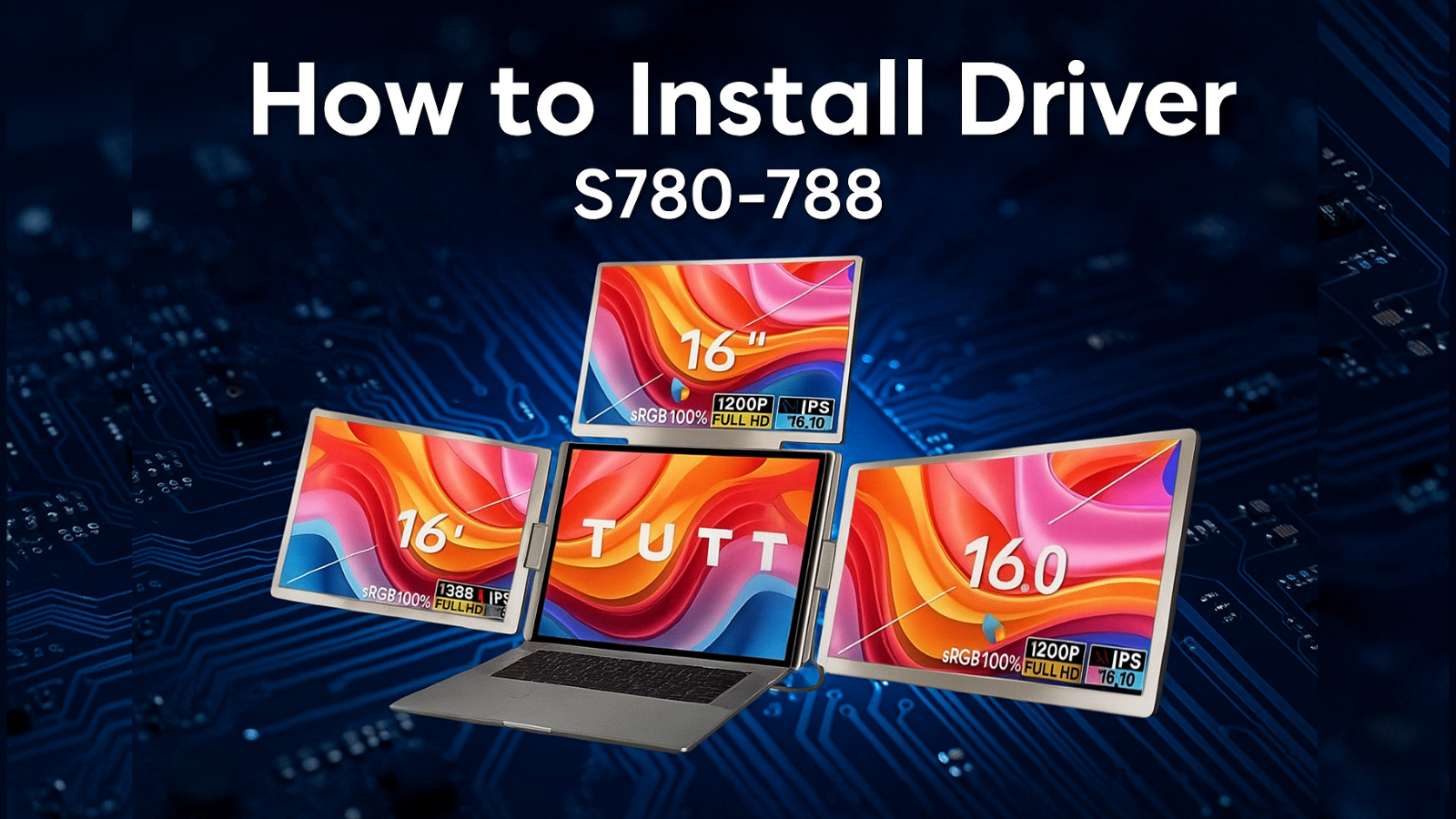

To ensure the fastest and most accurate support, we’ve prepared step‑by‑step videos showing how to connect TUTT portable monitors by model. These videos, recorded by our technicians, are available on this page.
Pour un soutien rapide et précis, nous avons préparé des vidéos détaillées, par modèle, expliquant comment connecter les moniteurs portables TUTT. Ces vidéos, présentées par nos techniciens, sont disponibles sur cette page.






fast and easy shipping from Canada to Europe
received as gift
My family absolutely loves this 15.6" smart display. The built-in camera feature is a total game-changer for us; we can communicate and video chat directly from the device without needing to reach for our phones. It makes staying in touch so much more natural. The Android 14 interface is smooth, and the chore chart helps keep the household organized. I was also very impressed with the logistics—shipping was very fast from Canada to New York, and it was a relief that all duties and taxes were prepaid, so there were no surprises at the border. A fantastic addition to our home
Review: "Truly a great experience. The TUTT S24 Ultra works very well, and the Auto Focus makes it so easy to use. I love that all the apps are already integrated, especially YouTube, which I use every single day. Also, I was impressed by the fast shipping from Canada to Paris—it arrived much sooner than expected. Highly recommend this for any home theatre!"
TAX and Duty paid.
I bought this S8 watch in the Silver-Orange color and it looks very nice, very sporty. The 1.9" screen is large and clear. Like my other orders from this company, the shipping from Canada was very fast and arrived to us quickly with DHL. It is also good that the tax and duty was already paid, so no extra costs for me.
The watch is good for tracking my sleep and steps, and the AI voice works well. I give 4 stars because the orange strap is very bright—it looks great, but maybe more for sport than for a business meeting. Overall, it is a very good product and a nice gift for anyone.
I bought this silver watch for my girlfriend’s birthday and her first impression was really great. The packaging is very professional and the presentation inside the box looks very high quality. We also found a small gift included, which was a very nice surprise.
The overall experience was very good. Like our other orders, the shipping from Canada was fast and the price is reasonable. The watch itself looks beautiful on her and works perfectly with her phone. I am very happy with this purchase and the service.
The shipping from Canada was very fast and easy, just like my other orders. It arrived quickly with DHL and the tax and duty was already paid
This is a very beautiful watch. Even though it is a "rugged" military style, it looks very nice on the wrist. The presentation and the packaging were excellent—it was a great experience to open the box and see how professional everything looks.
Our shopping experience was extraordinary. Like our other orders, the shipping from Canada was very fast with DHL and the tax and duty was already paid, so no problems at the door. The watch feels very strong and the battery is lasting a long time. We are very happy with the quality and the service.
I added this power bank to my order with the monitors and I am very happy I did. It is a very good "energy bank" for my devices. The 100W power is very strong and it can charge my laptop and my portable monitor at the same time without any problems.
The retractable cable is very smart because I have less cables to carry in my bag. Like the other items, it arrived very fast with DHL and the tax and duty was already paid. It is a very good quality product and a great help for my work when I am traveling.
The clarity and goodness of this OLED screen is incredible. The colors are so sharp and beautiful—it makes everything look much better than a normal monitor. Like my other orders, it arrived very fast with DHL and the tax and duty was already paid. It is very light and easy to carry with my laptop. I am very happy with it.
Great watch and fast shipping
I bought this K8 watch in black and it is very nice. The screen is very clear and I like the flashlight feature, it is very helpful to have on my wrist.
Like my other orders from this store, the shipping from Canada was very fast with DHL and the tax and duty was already paid. The watch is good quality and feels very modern. I am very happy with my purchase and the good service again.
I bought this for my boyfriend and it is a very nice watch. He likes the outdoor style and all the features it has for fitness and tracking.
The shipping was very fast from Canada, and like before, the experience was very good. It arrived quickly and in perfect condition. It is a very good watch for a gift and we are very happy with it.
I bought this for my husband and his first impression was very great. He thinks the watch is very stylish and looks expensive. For us, the best part is that it comes with three different straps in the box—leather and rubber—which is a very great feature because he can change the look for work or for his free time.
The store offers diverse tech and electronics with solid performance and quality. Customers appreciate fast shipping, strong packaging, and responsive technical support. The team actively resolves issues like shipping delays or defective units quickly. Many re...
{"one"=>"Sélectionnez 2 ou 3 articles à comparer", "other"=>"{{ count }} éléments sélectionnés sur 3"}
Sélectionnez le premier élément à comparer
Sélectionnez le deuxième élément à comparer
Sélectionnez le troisième élément à comparer