
Customer Reviews
Based on 33 reviews
58%
(19)
27%
(9)
6%
(2)
3%
(1)
6%
(2)
Z
Works well with Mac (one screen with h5 cable) . Good technical support.
V
The TUTT S11 is a solid business tool with useful rotating screens for multitasking, made even better by a free shipping upgrade from Canada Post to UPS for my Alberta delivery.
N
Enough brightness
S
I like the frame material, good quality and stylish
J
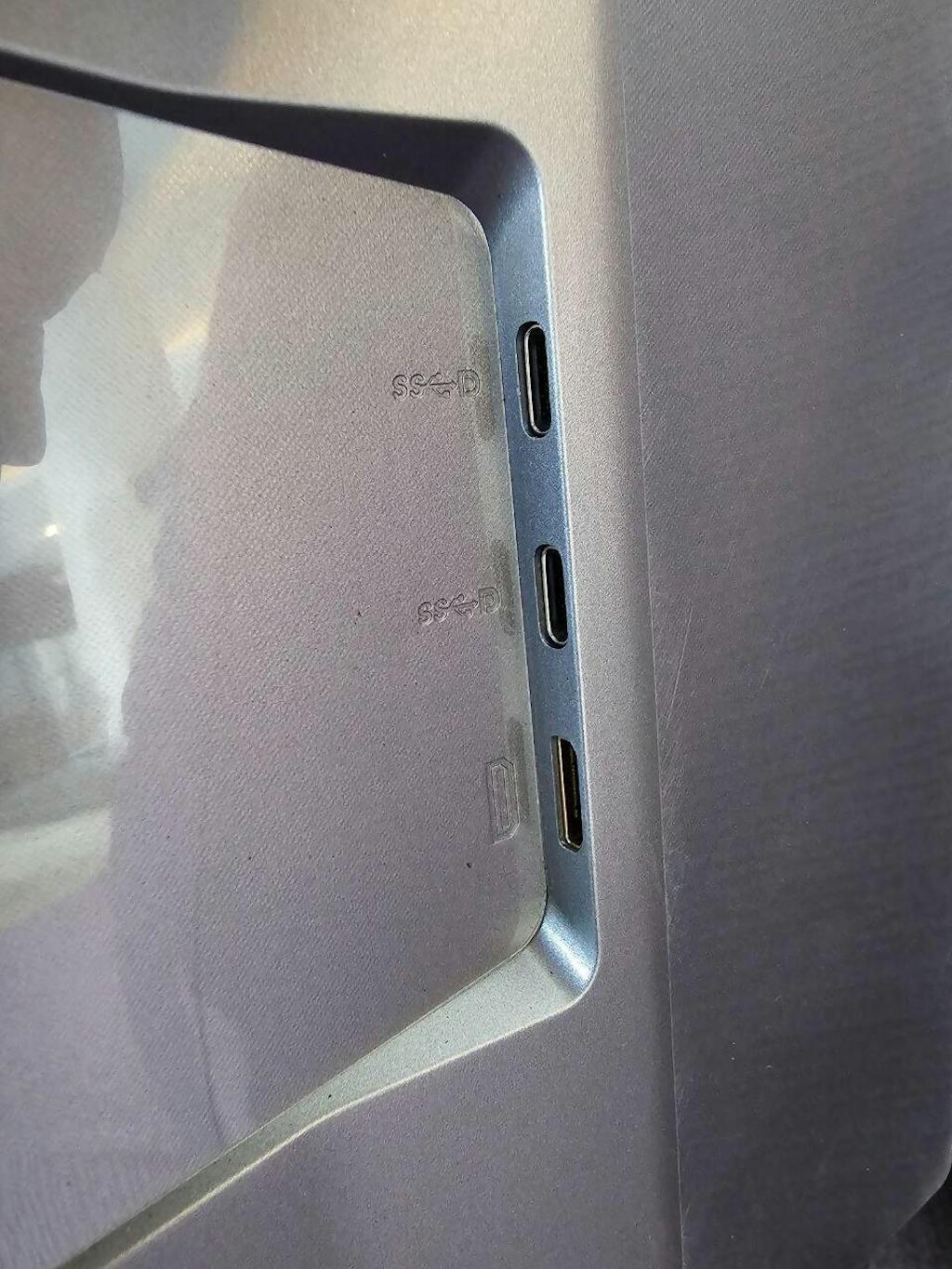
I bought this for my work MacBook and now I see this portable monitor need 2 Type-C USBs for connection. I cannot use both monitor at the same time with my MacBook with H5 cable either because my company don't let me install any driver in company's MacBook
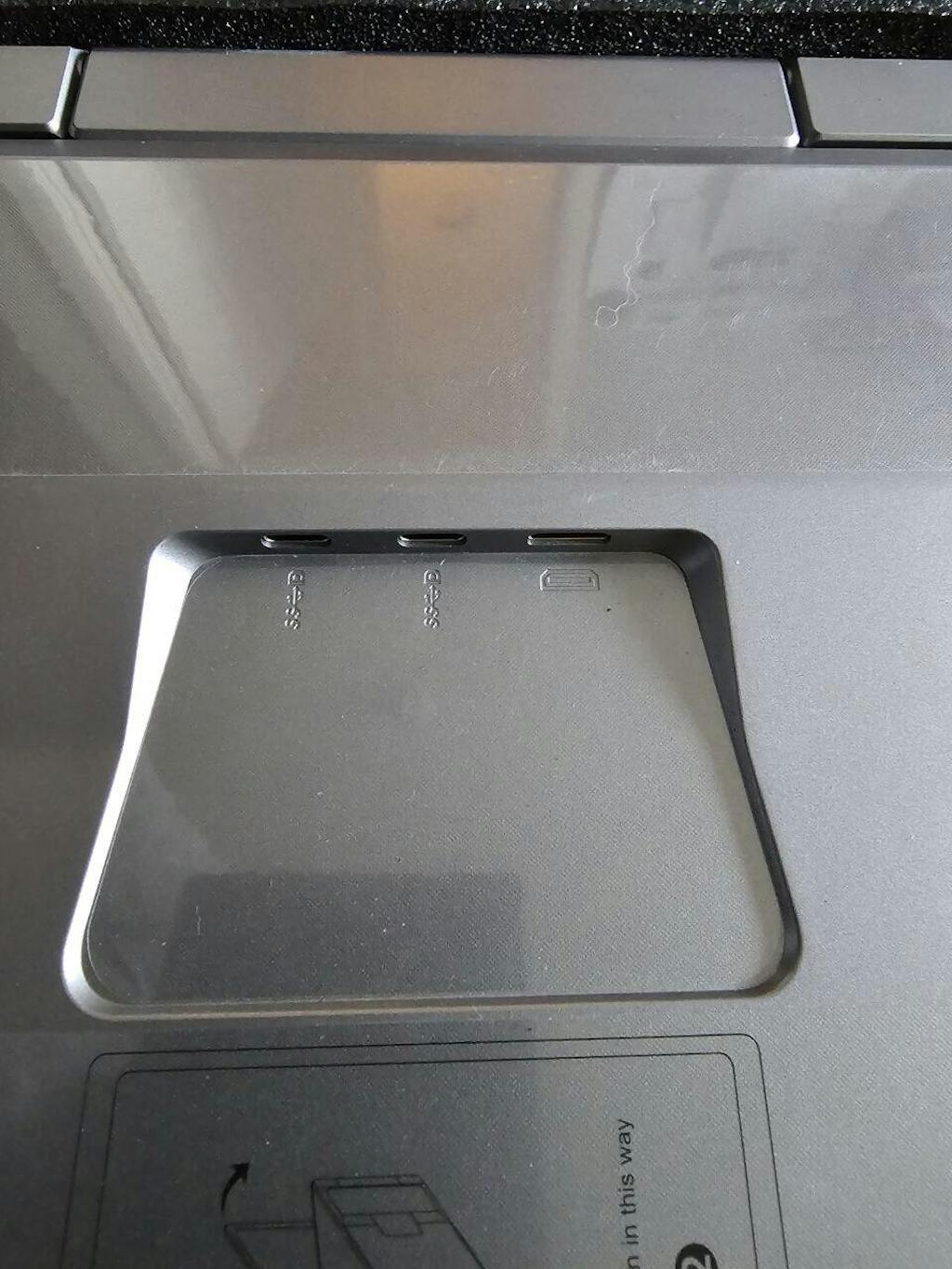
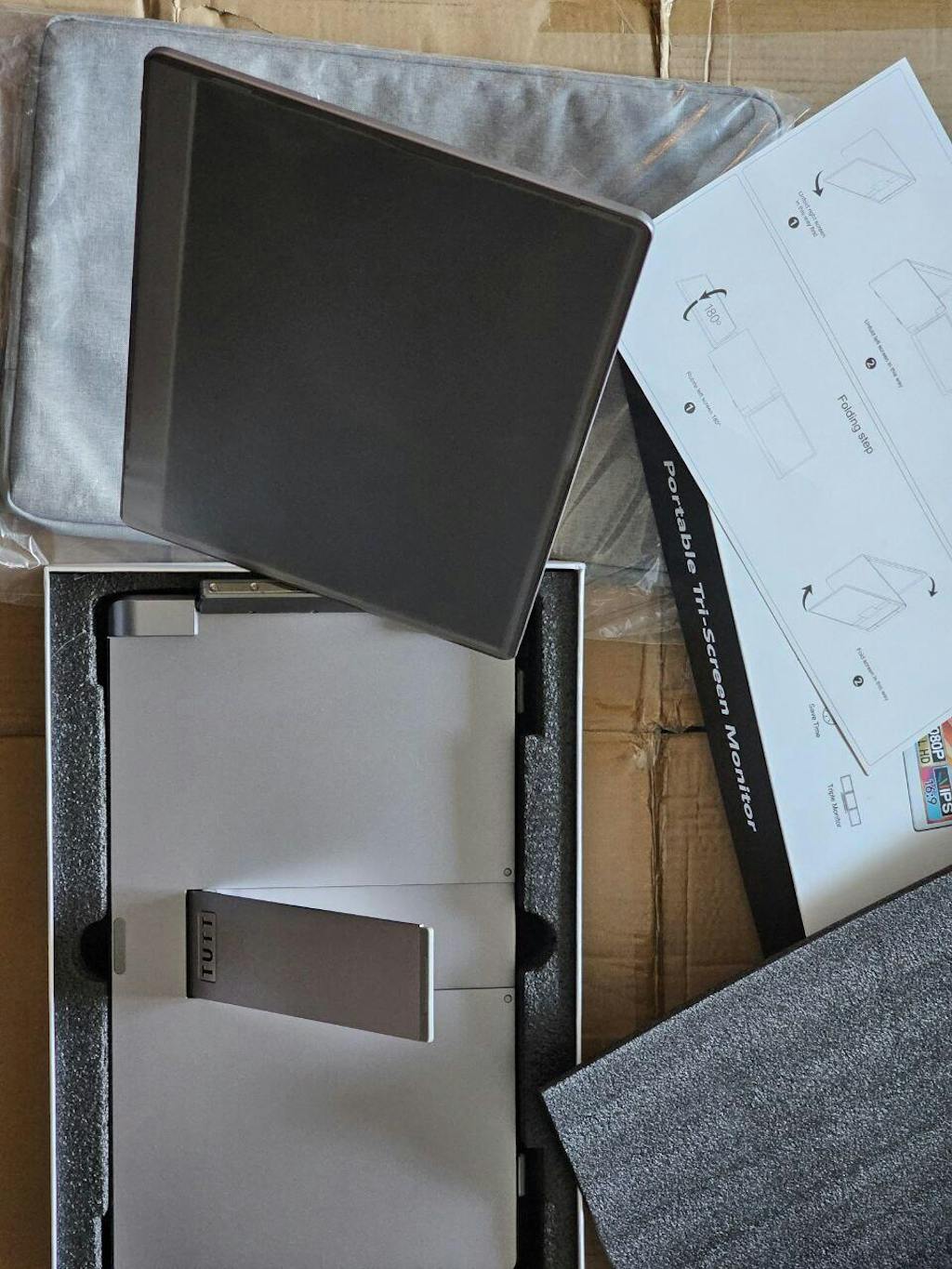
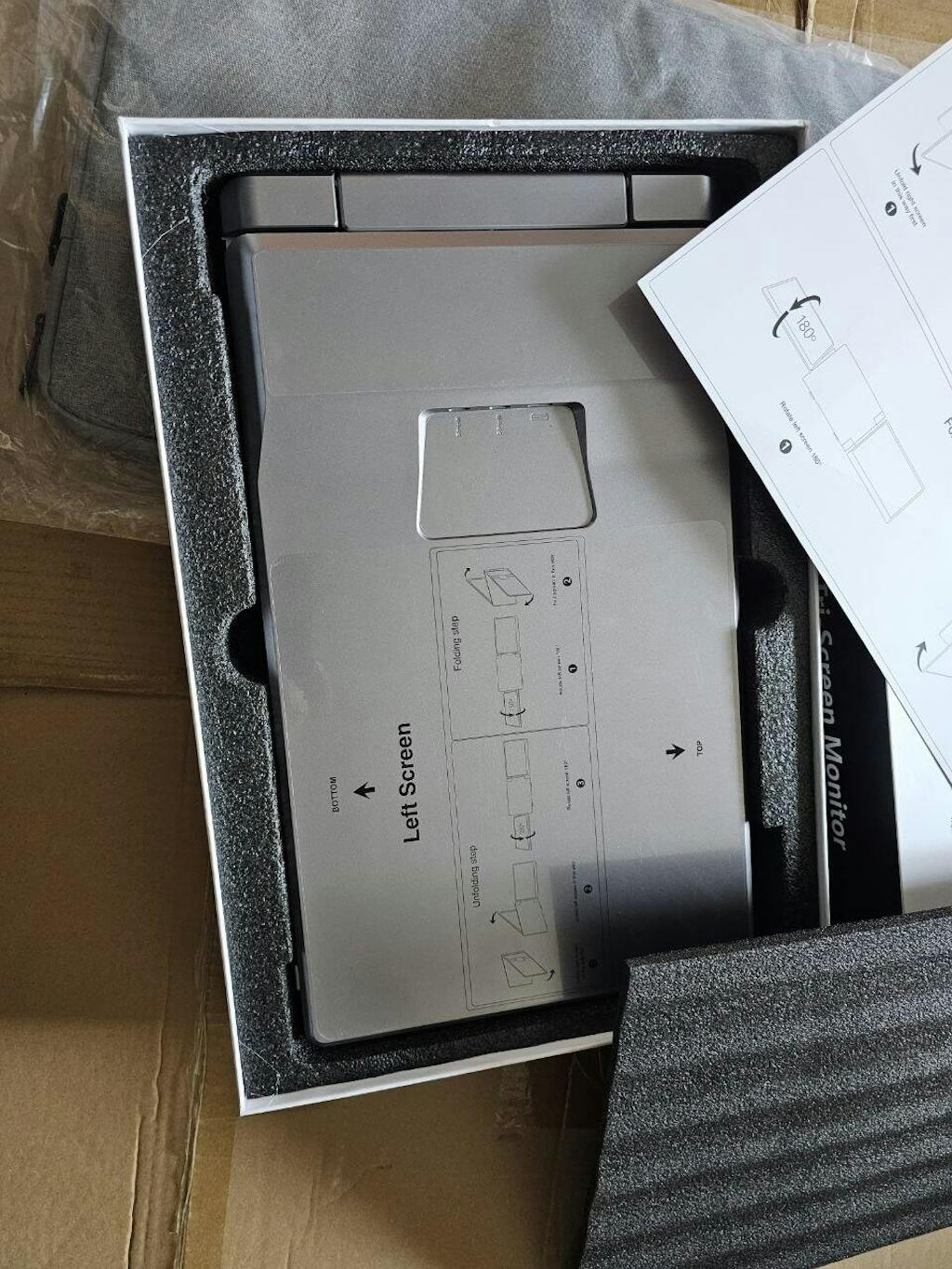
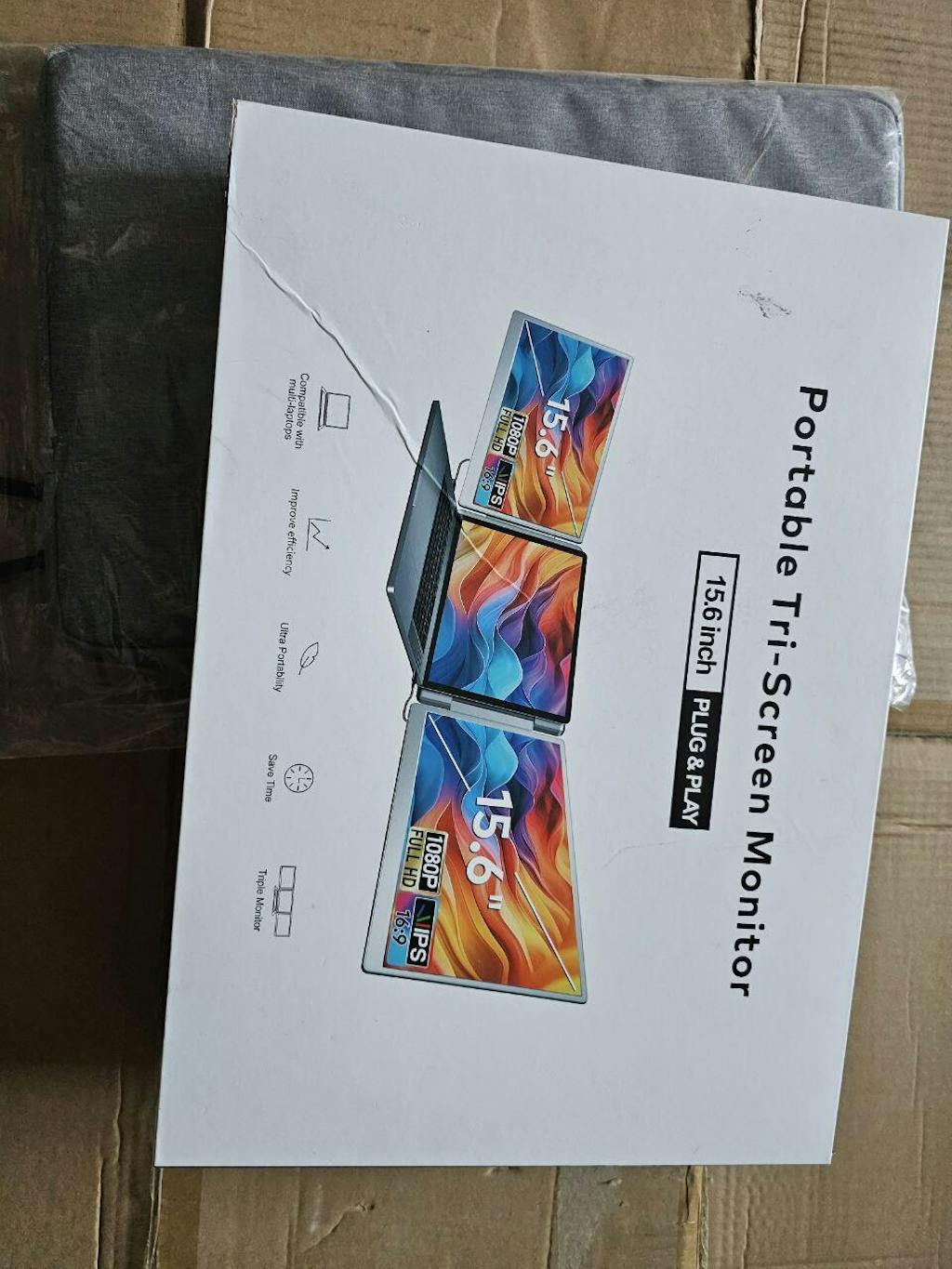
Thank you for your review and feedback. We apologize for any inconvenience you experienced with our TUTT 15.6” Dual Portable Monitor. We understand that having to use two Type-C USBs for connection may not be ideal for your work MacBook. We would like to inform you that our S10 model does require driver installation for MacBook usage.
In order to better assist you, we would like to offer our S8 model as an alternative. The S8 ( single screen ) does not require any driver installation, making it more convenient for your company's MacBook usage. Please let us know if you would like to exchange your S10 for an S8 model and we will be happy to assist you.
Thank you for choosing our product and we hope to have the opportunity to serve you again in the future.
M
I like 2 level of rotation of each display. this feature give me more flexibility
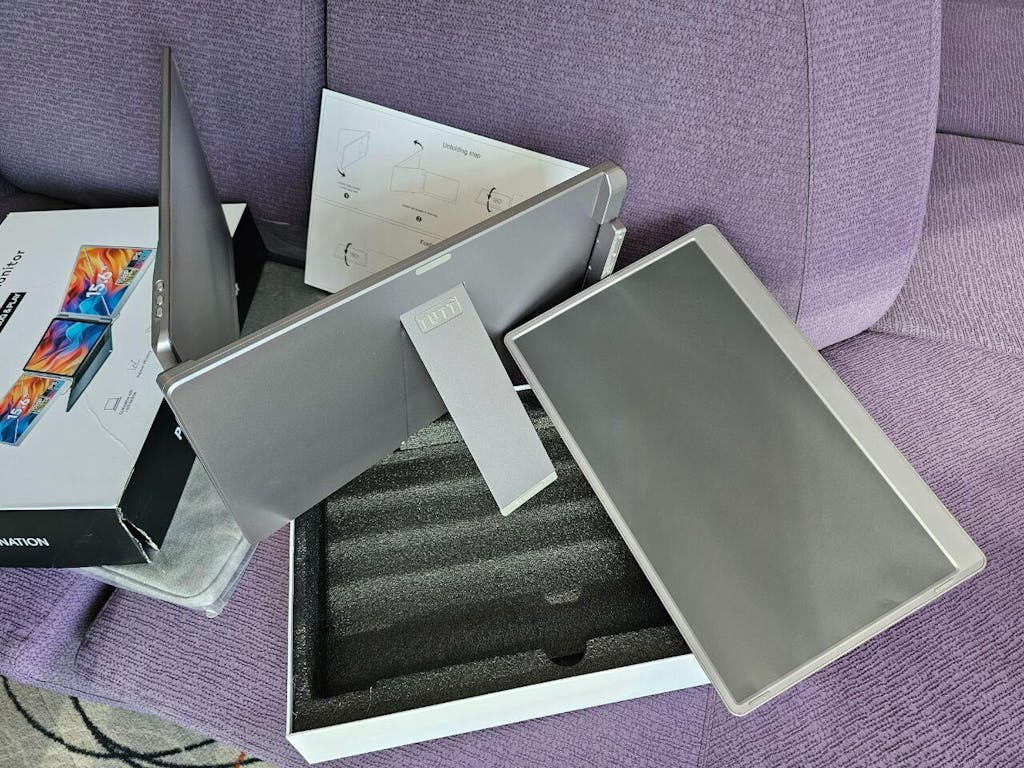
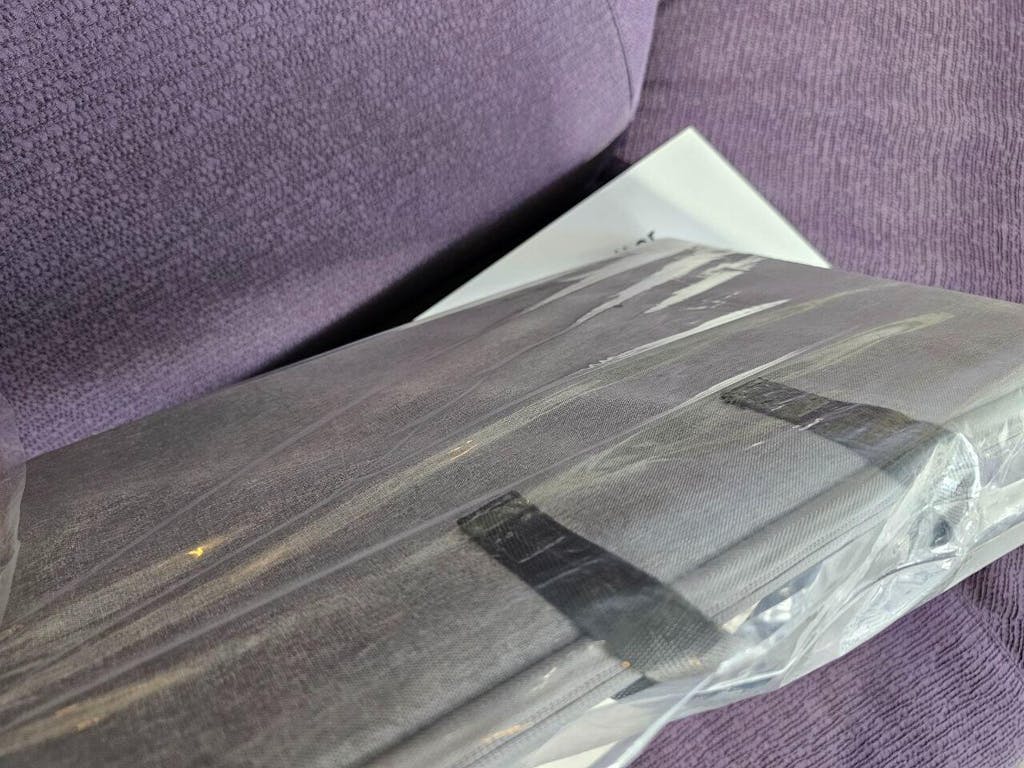
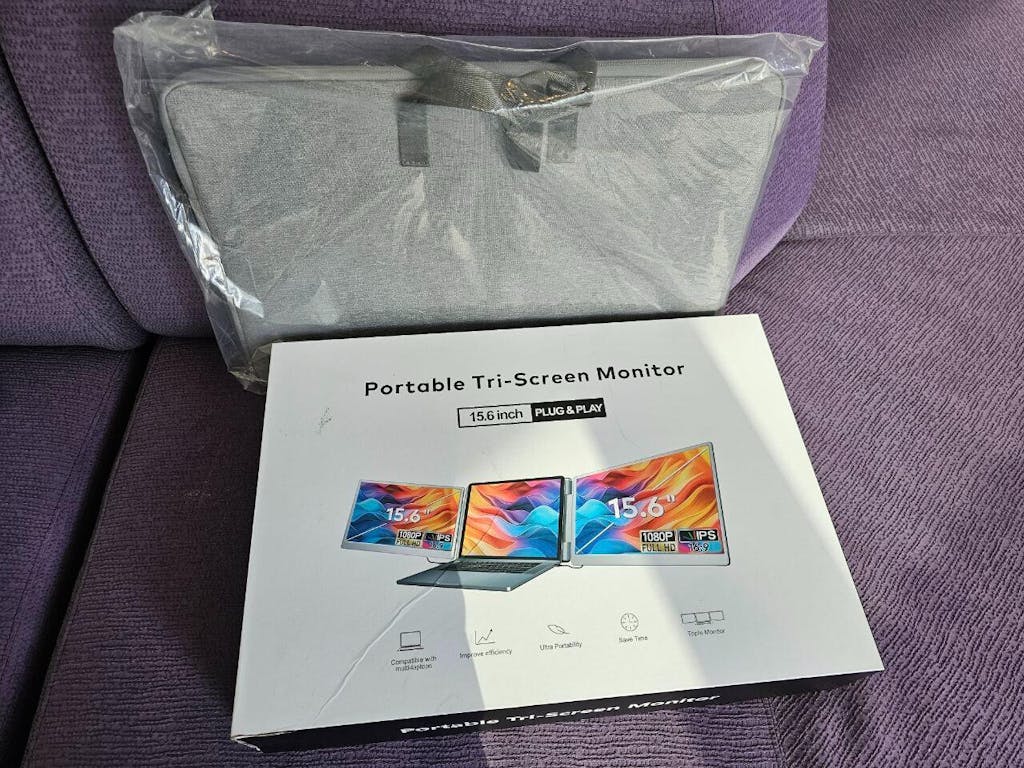
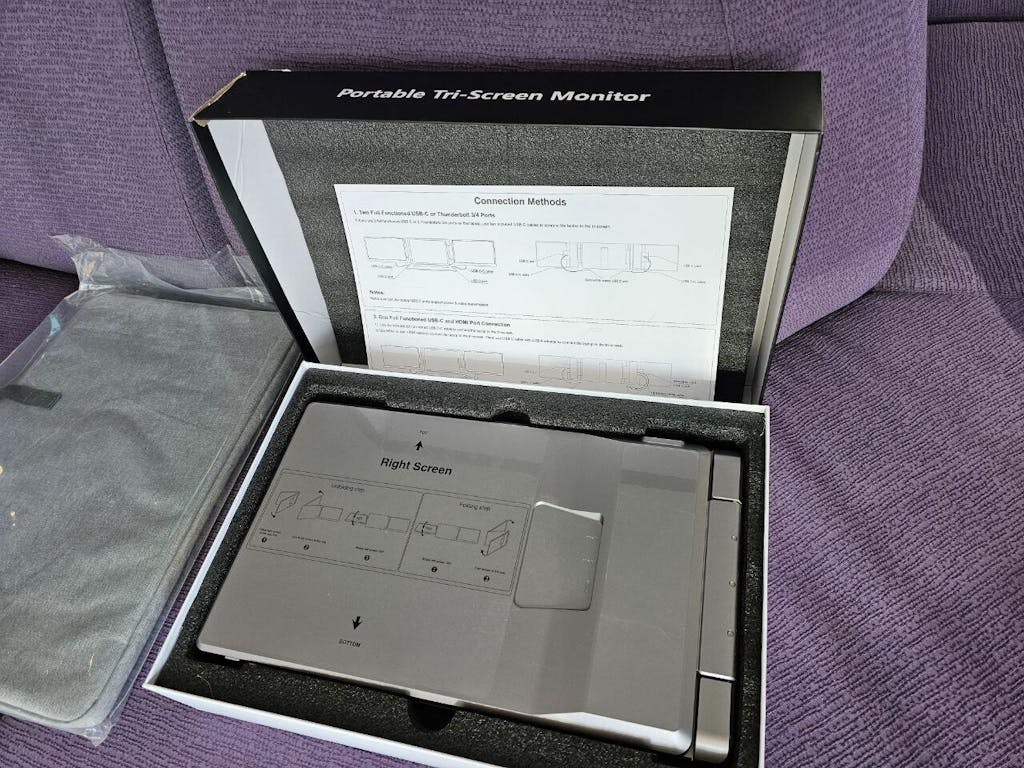
V
Not recommended!
the problem is not about screen quality, its about weight. how can I carry something this heavy in my backpack?
S
Rotating screens is a great feature so we can share the view with client in our office. Driver is required for Mac with H5 cable.
Z
Rotating screen is the feature I liked .
H5 cable is needed for MacBook.
Installation was confusing, support requested and it was helpful and polite.
N
Purchased for work. My company doesn’t allow external drivers. I had to return it.
I tried on my laptop, apart from driver requirements, it’s nice as the screen rotates.
Good customer service to accept it.


Let customers speak for us

Great monitor
Very straightforward. Single cable easy connection. Grab n go.

Great shopping experience
Great calendar, easy to use for my family. I also add my mom living in Vancouver to share images and recipe for my boys! Nice package.
Merci beaucoup TUTT Je n’ai pas mots pour remercier! ja acheté avant un charger du 20W très bon
Merci beaucoup TUTT Je n’ai pas mots pour remercier! ja acheté avant un charger du 20W très bon. Et je reçu le cadeau est très bon aussi.
CARLOS Q.
TUTT

Merci beaucoup TUTT Je n’ai pas mots pour remercier! ja acheté avant un charger du 20W très bon
Merci beaucoup TUTT Je n’ai pas mots pour remercier! ja acheté avant un charger du 20W très bon. Et je reçu le cadeau est très bon aussi.

Lots of great Health metrics in this watch
Lots of great Health metrics in this watch, it let's you keep track of everything you can possibly keep track of.there are a few things that they can improve on like the battery life and the Software.. the software on the phone app needs some refreshing some little improvement to better understand how to read some of it, but in all a great watch!!

Nice photo frame
We had one white color for our bedroom, this is all in black, very classy.

nice design
only charge up to 75% of my iPhone

Flexible rotation displays
By using 2 angel freedom, I can rotate both displays in any directions, vertical or horizontal. Nice!

It is great work as advertised
Recommended, received as discounted price for review.
My family really likes it. I will upload photo and videos later.

Bundle order
Our 2 nd business purchase. Quality: Almost similar to S1
Difference: Ultralight, It snaps on top of laptop and holds it tightly
Recommended
Nice experience, received my order with a gift
Paniz K.
TUTT

Review for discounted price as reviewer program.
Function: Works as intended, however for my son with iPhone it was difficult to sync with both Google and Zoho calendars we find a way around it as Zoho is a business email we had to do it indirectly.
SYORAGE: 32GB is good and can be extended with SD card.
Advantage: No Subscription for cloud based services.
Overall recommended for the price point.
Review for promotional gift as reviewer program.
First, packaging and presentation is impressive. We tried other models the the market, such as skylight and it has an edge over them.
Important for me: NO NEED FOR CLOUD BASED SUBSCRIPTION
Display is bright and clear. One advantage is it comes with 32GB internal memory which is fairly enough for most family images and videos. SD card is also can be inserted for additional storage.
Received as a promotional gift for review
We have one photo frame/ calendar in our house purchased from Skylight on Amazon. It’s fairly similar in terms of functionality. The rest is all about packaging etc. What my wife like more about this: in Art gallery mode we can display our kids artworks!
Not giving 5stars ⭐️⭐️⭐️⭐️ just 4 to be fair with other products in the market. But overall experience was 5 Stars ⭐️
What customers think about the store
The store offers diverse tech and electronics with solid performance and quality. Customers appreciate fast shipping, strong packaging, and responsive technical support. The team actively resolves issues like shipping delays or defective units quickly. Many re...
AI-generated from customer reviews.
Battery Quality Screen Shipping