

TUTT Smart Pen Notebook | Digital Handwriting with Audio & OCR Sync
The TUTT Smart Pen Notebook combines the feel of traditional writing with modern digital functionality. It captures every stroke in real-time, synchronizes your notes across devices, and enhances productivity for students, professionals, and creatives.
Key Features
- Real-Time Digital Writing – Your handwriting is instantly digitized via the BoardPen Pro+ app (iOS & Android).
- OCR Recognition – Converts handwriting into searchable, editable text using built-in motion tracking and sensors.
- Audio Recording Sync – Record voice while writing, with synchronized playback linked to each written note.
- Multi-Format Export – Export notes as Word, PDF, PNG, MP4 or share via email and messaging apps instantly.
- Offline Note Capture – Save content offline; it uploads automatically once reconnected to your device.
- One-Click Sharing – Share in multiple formats directly from the app with just one tap.
Device Highlights
- Micro Charging Port – 2-hour charge provides 6–7 hours of use
- LED Status Light – Blue flash = active, solid = ready, purple = charging
- Ergonomic Design – Weighs only 20g with a comfortable 160mm length
- Refillable Tip – Easy to replace ink refill for continuous writing
Compatibility
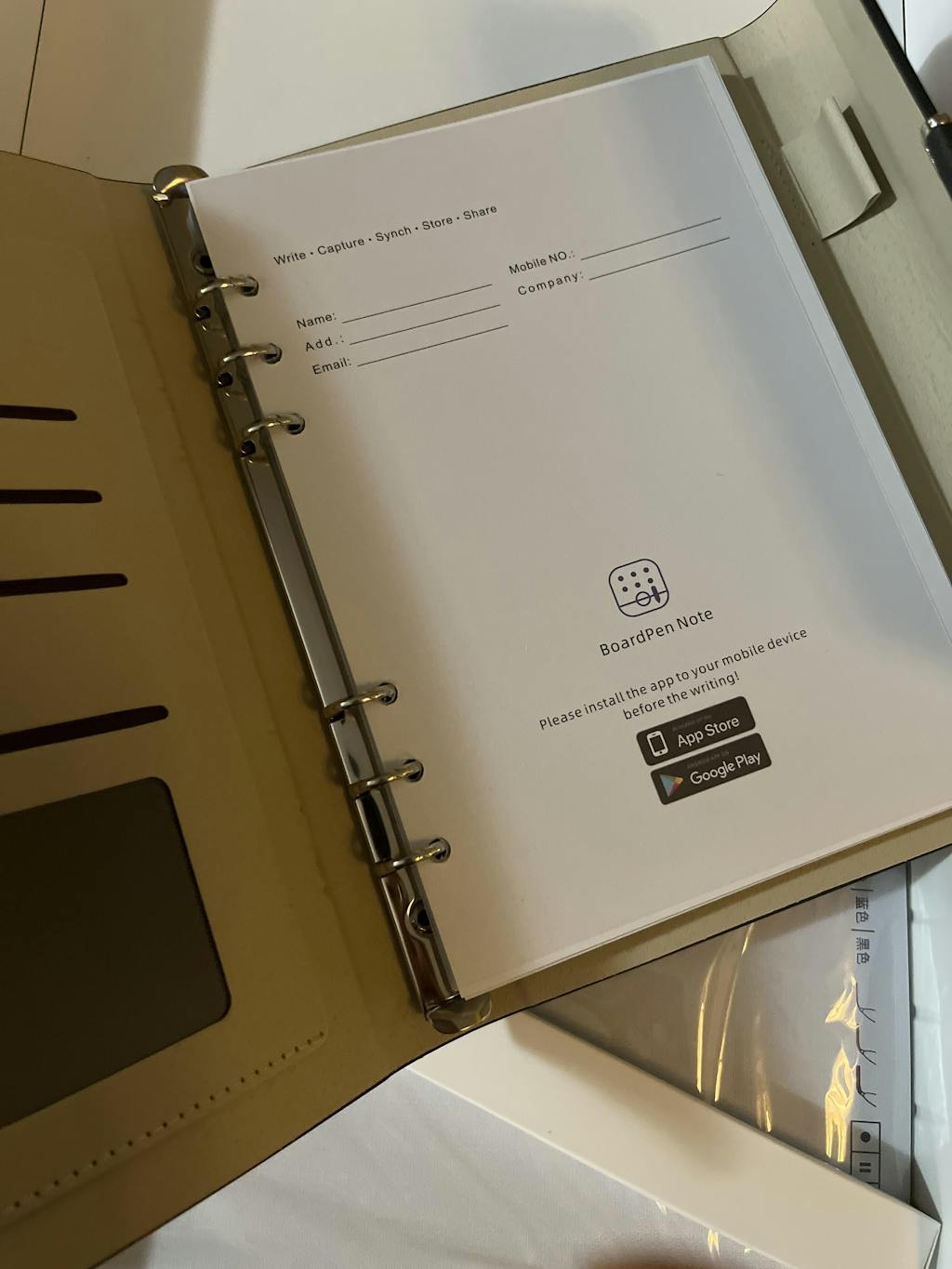
Works with iOS 12+ and Android 8.0+ smartphones. Connects via Bluetooth and integrates with the free BoardPen Pro+ app (scan QR below or search in App Store/Google Play).
In the Box
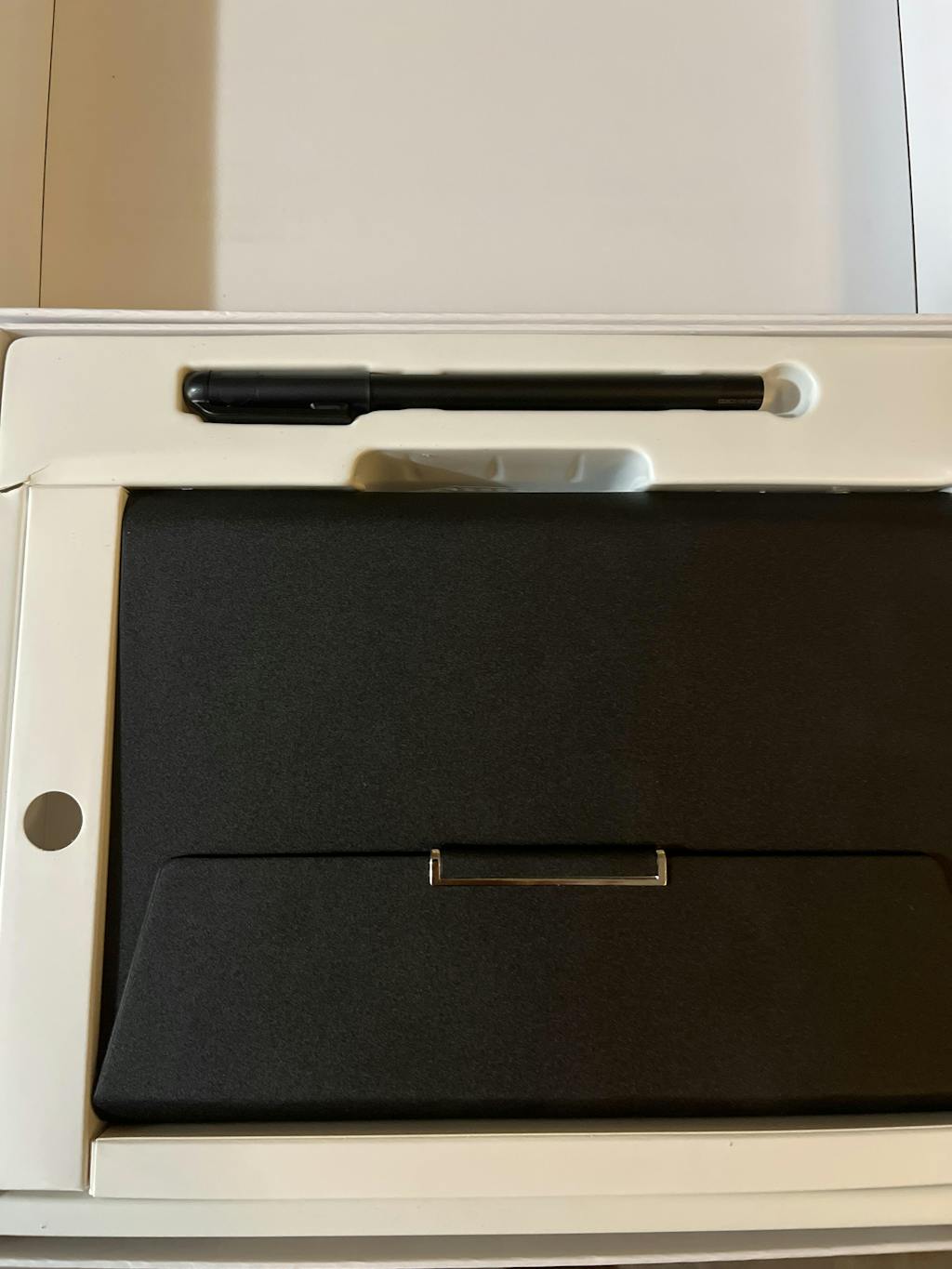
- 1 × Smart Pen
- 1 × Smart Notebook (A5)
- 1 × USB Charging Cable
- 5 × Replacement Ink Refills
- 1 × User Manual
User Manual Overview
Getting Started:
1. Download the BoardPen Pro+ app (QR below).
2. Power on the smart pen and pair via Bluetooth.
3. Write as usual; data syncs in real time to the app.
LED Indicator:
• Blue Flash: Working mode
• Blue Steady: Standby
• Purple Flash: Charging
• Purple Solid: Fully charged
Ink Refill Installation:
Gently pull out the old refill and insert a new one to maintain accurate handwriting detection. Only use compatible refills for proper synchronization.
App Functions:
• Create and name notebooks
• Adjust ink color (Red, Green, Blue, Black)
• Use tools: playback, erase, audio sync, export
• Compatible with Word/PDF/PNG/MP4
• Enable audio recording during writing
Connection Issues:
• Ensure Bluetooth and GPS are enabled
• Long press power to reset
• Restart app or reconnect if sync fails
Download App
BoardPen Pro+ App:
Android: Scan QR or search “BoardPen” in Google Play
iOS: Scan QR or search “BoardPen” in App Store
Specifications
- Length: 160mm | Weight: 20g
- Charging: Micro USB (2h)
- Working Time: 6–7 hours
- Battery Type: Rechargeable lithium
- Pen Sensor: Built-in motion tracking & camera
- Response Light: LED status indicator
Bring your handwriting to life with the TUTT Smart Pen Notebook—a powerful tool to organize, digitize, and preserve your ideas in real time.
TUTT Smart Pen and Notebook Set | Digital Stylus Writing Board | Real-Time Sync with Android & iOS

Delivery & Shipping:
Free Shipping: Canada, from Brampton Ontario.
International: UPS or DHL, Delivered Tax & Duty Paid.
Return: 30 Days
TUTT Smart Pen Notebook | Digital Handwriting with Audio & OCR Sync
The TUTT Smart Pen Notebook combines the feel of traditional writing with modern digital functionality. It captures every stroke in real-time, synchronizes your notes across devices, and enhances productivity for students, professionals, and creatives.
Key Features
- Real-Time Digital Writing – Your handwriting is instantly digitized via the BoardPen Pro+ app (iOS & Android).
- OCR Recognition – Converts handwriting into searchable, editable text using built-in motion tracking and sensors.
- Audio Recording Sync – Record voice while writing, with synchronized playback linked to each written note.
- Multi-Format Export – Export notes as Word, PDF, PNG, MP4 or share via email and messaging apps instantly.
- Offline Note Capture – Save content offline; it uploads automatically once reconnected to your device.
- One-Click Sharing – Share in multiple formats directly from the app with just one tap.
Device Highlights
- Micro Charging Port – 2-hour charge provides 6–7 hours of use
- LED Status Light – Blue flash = active, solid = ready, purple = charging
- Ergonomic Design – Weighs only 20g with a comfortable 160mm length
- Refillable Tip – Easy to replace ink refill for continuous writing
Compatibility
Works with iOS 12+ and Android 8.0+ smartphones. Connects via Bluetooth and integrates with the free BoardPen Pro+ app (scan QR below or search in App Store/Google Play).
In the Box
- 1 × Smart Pen
- 1 × Smart Notebook (A5)
- 1 × USB Charging Cable
- 5 × Replacement Ink Refills
- 1 × User Manual
User Manual Overview
Getting Started:
1. Download the BoardPen Pro+ app (QR below).
2. Power on the smart pen and pair via Bluetooth.
3. Write as usual; data syncs in real time to the app.
LED Indicator:
• Blue Flash: Working mode
• Blue Steady: Standby
• Purple Flash: Charging
• Purple Solid: Fully charged
Ink Refill Installation:
Gently pull out the old refill and insert a new one to maintain accurate handwriting detection. Only use compatible refills for proper synchronization.
App Functions:
• Create and name notebooks
• Adjust ink color (Red, Green, Blue, Black)
• Use tools: playback, erase, audio sync, export
• Compatible with Word/PDF/PNG/MP4
• Enable audio recording during writing
Connection Issues:
• Ensure Bluetooth and GPS are enabled
• Long press power to reset
• Restart app or reconnect if sync fails
Download App
BoardPen Pro+ App:
Android: Scan QR or search “BoardPen” in Google Play
iOS: Scan QR or search “BoardPen” in App Store
Specifications
- Length: 160mm | Weight: 20g
- Charging: Micro USB (2h)
- Working Time: 6–7 hours
- Battery Type: Rechargeable lithium
- Pen Sensor: Built-in motion tracking & camera
- Response Light: LED status indicator
Bring your handwriting to life with the TUTT Smart Pen Notebook—a powerful tool to organize, digitize, and preserve your ideas in real time.